Ready-made graphics
Every image has a stable public URL, so it can go straight into an email, a post or an ad. Click to open full size; right-click or use Download to save.
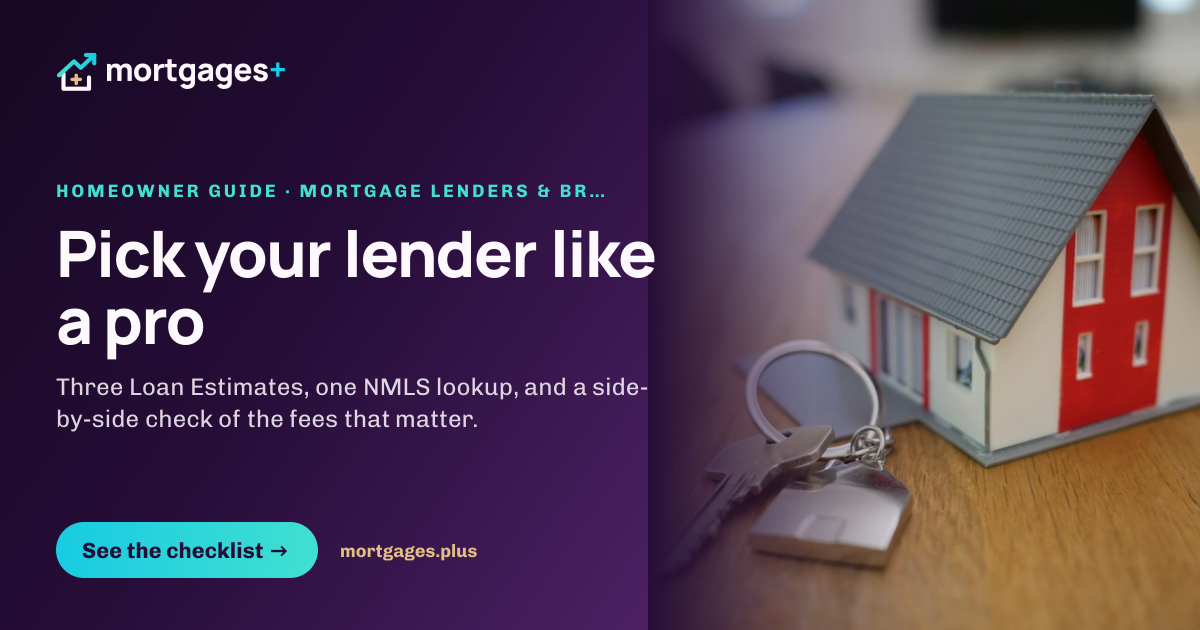
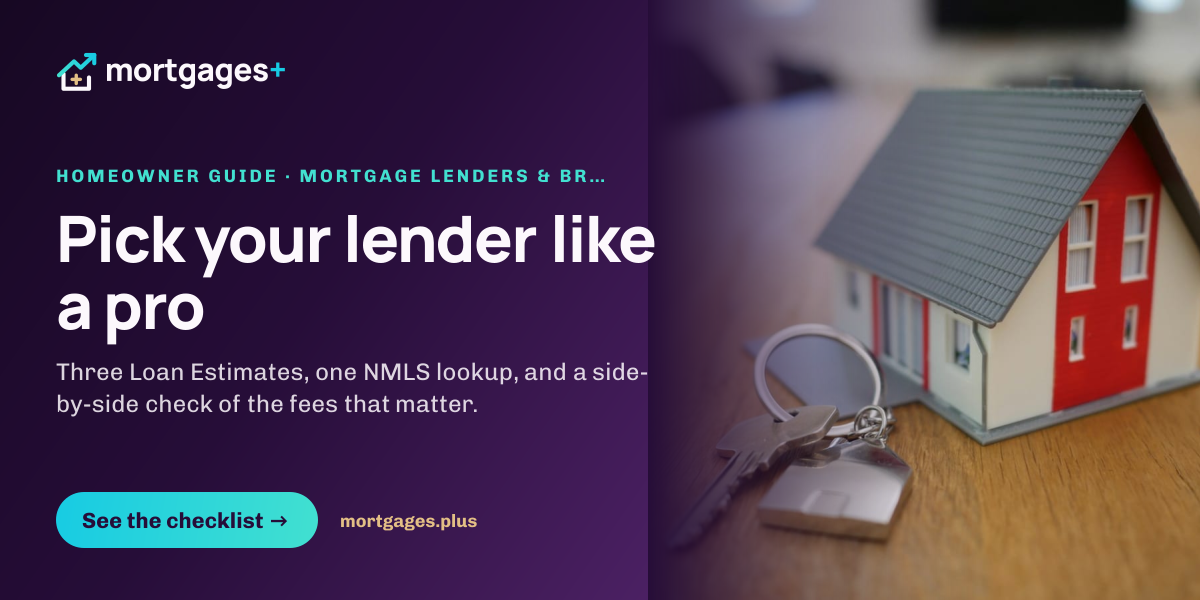
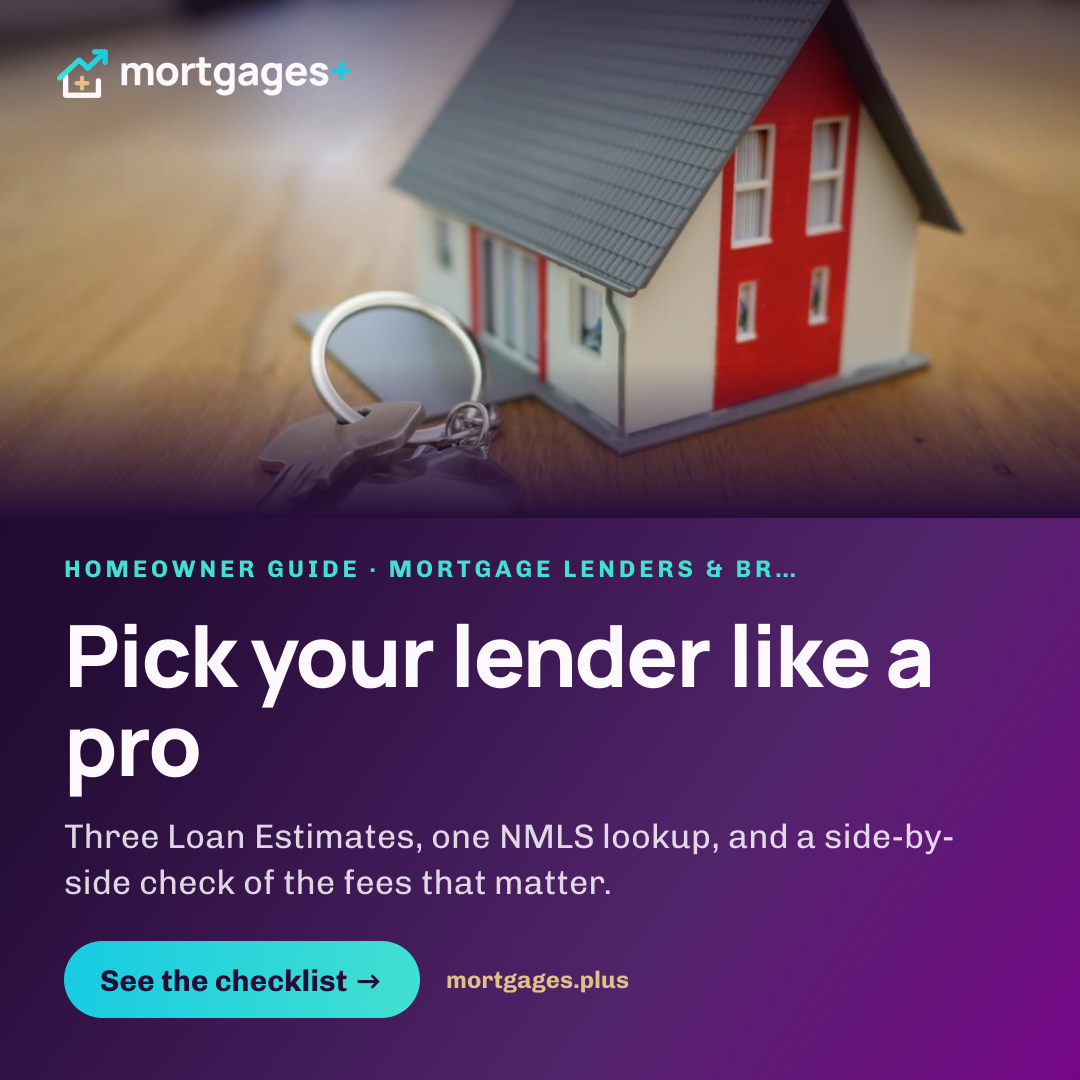
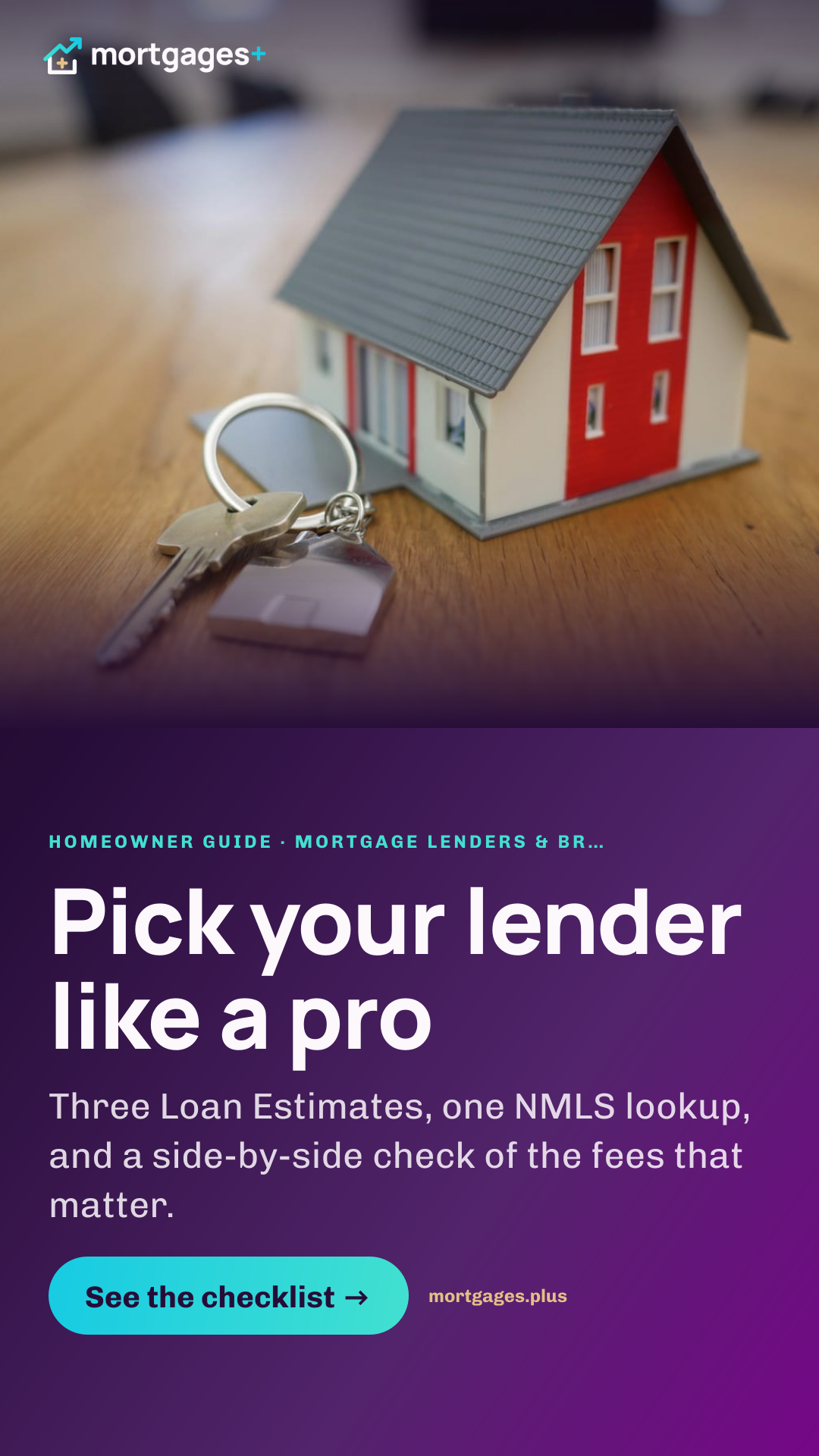
Other sizes on demand: Email header, Display ad 300×250 (@2x).
Caption
Almost half of home buyers only seriously consider one mortgage lender. Here is how to compare three in an afternoon without hurting your credit. https://mortgages.plus/homeowners/how-to-choose-a-mortgage-lender
#HomeBuying #MortgageTips #FirstTimeHomeBuyer #LoanEstimate
Email-ready
- Subject
- How to choose a mortgage lender (without the stress)
- Preheader
- Compare Loan Estimates, check NMLS licenses, and spot the red flags before you sign anything.
- Hero image block (HTML)
<a href="https://mortgages.plus/homeowners/how-to-choose-a-mortgage-lender?utm_source=klaviyo&utm_medium=email&utm_campaign=homeowners-how-to-choose-a-mortgage-lender"><img src="https://mortgages.plus/share/img/email-hero/homeowners-how-to-choose-a-mortgage-lender.png" width="600" alt="Pick your lender like a pro" style="display:block;width:100%;max-width:600px;height:auto;border:0" /></a>
Where this kit points
All graphics and captions drive to mortgages.plus/homeowners/how-to-choose-a-mortgage-lender. Add your own UTM tags when you post.
Need a custom size or headline? Team members can use the Mortgages+ image creator.
Pair this post with the first step most readers need: a pre-approval for how to choose a lender readers.
Photos: Unsplash (Unsplash License). Mortgages+ is a marketing platform, not a lender. Every ad, post and press mention must carry the “not a lender” line or link to it.